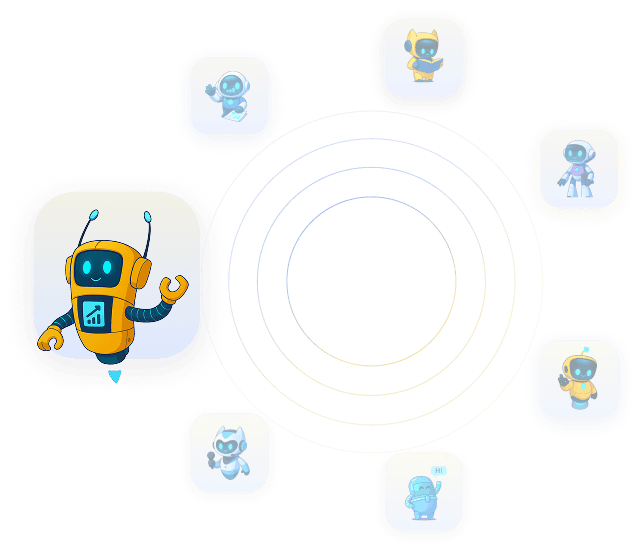
AI Agent
Maya: AI Messaging Agent for Emails, Texts and Posts
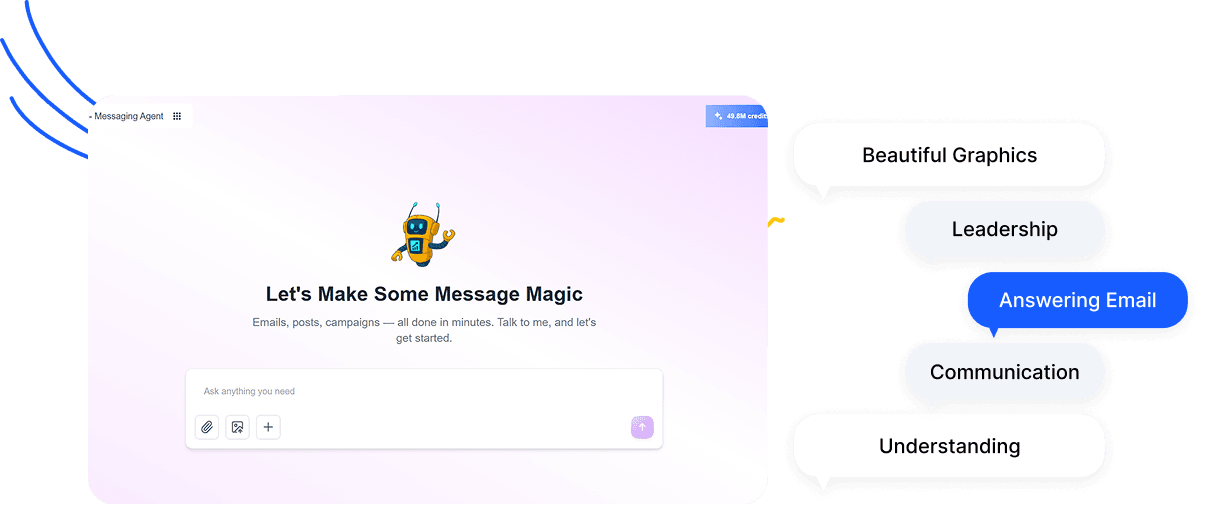
Maya drafts your emails, text messages and community posts in your voice, from what your Business brain knows about you. Every draft waits for your approval, and you send it yourself.

What Maya does for you
Maya is the messaging agent in Vonza AI Agents. Start a ready task, such as a launch, welcome, follow-up or win-back email, a text message offer, a community post or five social captions, or simply ask in a chat. Maya writes from your Business brain, so drafts use your tone and your sign-off and leave out the words you never use. Maya runs on AI credits, and each task shows what it will hold before it runs.
Email drafts
Launch, sale, reminder, welcome, follow-up and win-back emails, each with a subject line and a first-name merge tag.

Text message drafts
Short texts with the number of SMS parts shown, opened in a new SMS campaign where you pick who gets them.
Posts and captions
Posts for your community and five social captions at a time, saved in My files.
Where Maya’s Drafts Go
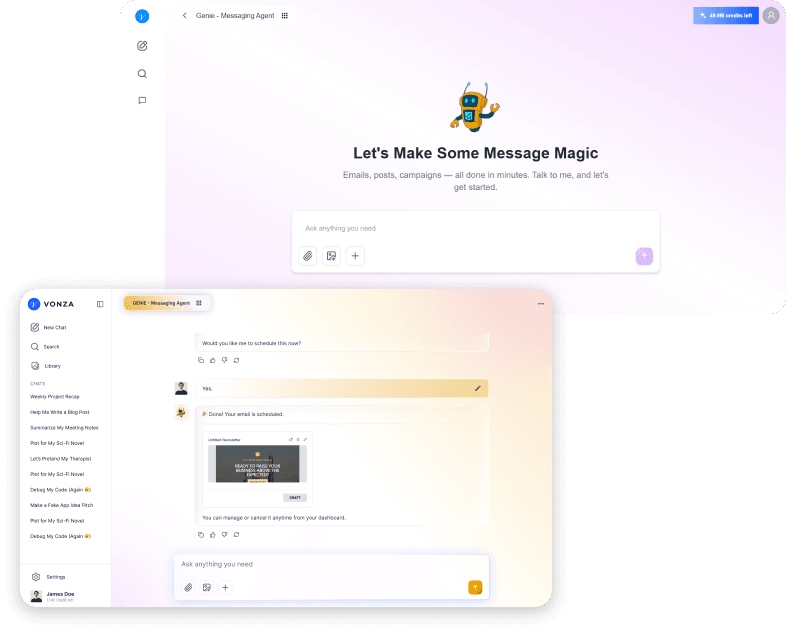
Each kind of draft lands in the part of Vonza that sends it, and nothing goes out until you send it.
Email marketing
An approved email becomes a draft campaign in Email marketing, ready for you to check and send.
SMS
A text opens in a new SMS campaign, where you choose who gets it before anything is sent.
Community
A post waits in My files until you pick a space, then publish it now or schedule it.
Approvals
With Ask first, the default, each draft waits under “Waiting for your OK” for you to approve, edit or skip.
Why Creators Hand Their Messages to Maya
Three reasons the drafts fit your business:
Your voice, every time
Maya writes from the Business brain: your audience, main offer, tone, sign-off and the words to avoid.
One brief, three channels
Email tasks can add a text message and a community post as extras, so one brief covers a launch everywhere you show up.
Changes in one click
Ask for Shorter, Friendlier, More urgent or Translate, or type your own change. Each one is saved as a new version.
From a Brief to a Draft Campaign
Switch on repeat jobs such as Welcome new students or Follow up after a purchase, and the drafts are waiting in Approvals when you open the app.
- Email drafts
- Text message drafts
- Posts and captions
Questions about Maya
Get answers to common questions here
Emails (launch, sale, reminder, welcome, follow-up and win-back), text messages, community posts, five social captions at a time, and live class reminders as an email, a text and a post together. Maya can also make a picture for a post.
No. Maya makes drafts. Email drafts land in Email marketing, text messages open in a new SMS campaign and community posts wait in My files. Nothing is sent until you approve it and send it yourself.
Maya writes from your Business brain: your audience, main offer, tone, sign-off, the words you use and the words you never use, plus up to 12 notes. You can edit any draft in Approvals before it goes anywhere.
No. Maya drafts messages for you and your team to send. Nothing answers your buyers or members on its own.
Yes. Maya is one of the Vonza AI Agents in your account and runs on AI credits, the same credits as the rest of Vonza AI. You see what a job will hold before it runs and pay what it really costs.
This Is Where Your Business Finally Comes Together
One login. One system. One clear path to building digital income — without the overwhelm.