Create a Free Link in Bio Page in Minutes
A link in bio is the one link in your Instagram, TikTok or YouTube profile that opens a page holding all your other links. Vonza builds that page at yourname.vonza.com: pick one of 15 templates, add links, social icons, pictures and videos or music that play on the page, publish, and see every view and tap. It links to your courses, store, checkout, community, booking page and website in the same Vonza account. Link in bio is included in Vonza, and every plan starts with a 14-day free trial.
Build, Launch and Track Your Link in Bio
Create a page in four steps, publish it at yourname.vonza.com and see which links your audience taps.
- Create My Link in Bio
All Your Link in Bio Pages in One Place
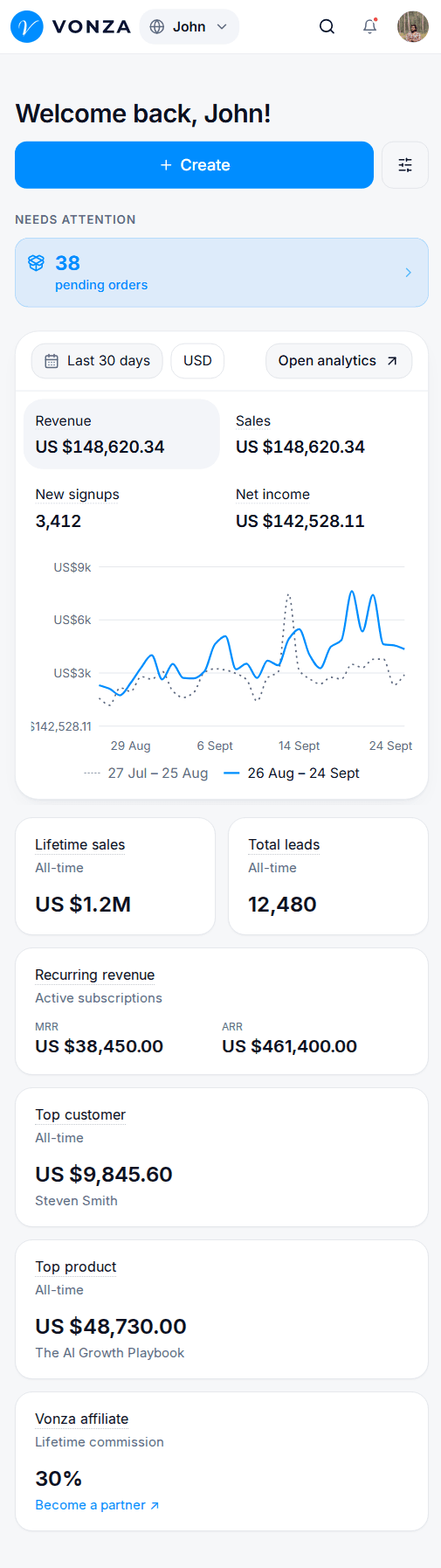
Make up to 10 pages, one for every brand, launch or campaign. See which are live and how often each is viewed, and share, edit or take any of them offline.
- Create My Link in Bio
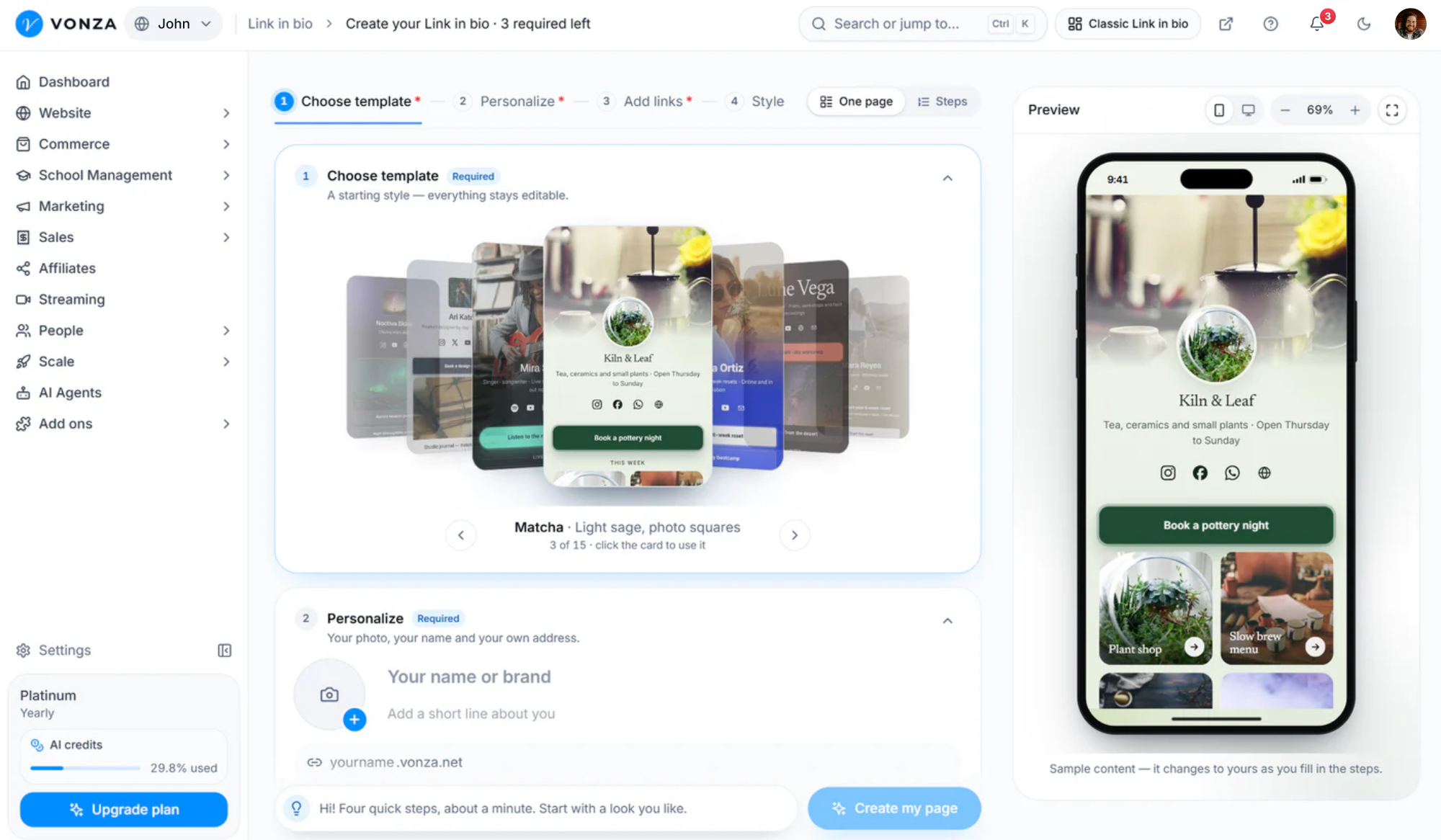
Create Your Page in Four Steps
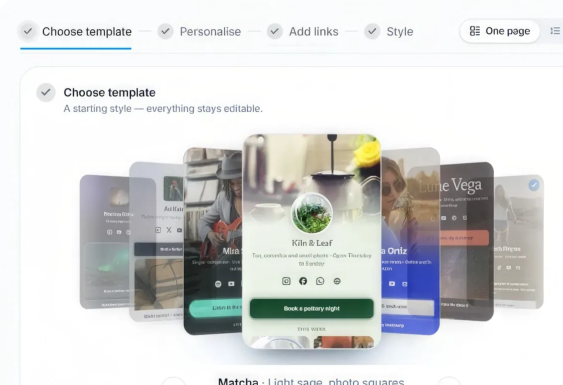
Choose a template, add your links, add your photo, name and address, and pick a style. Build it all on one page or step by step, with a live phone preview.
- Create My Link in Bio
See Every View and Tap
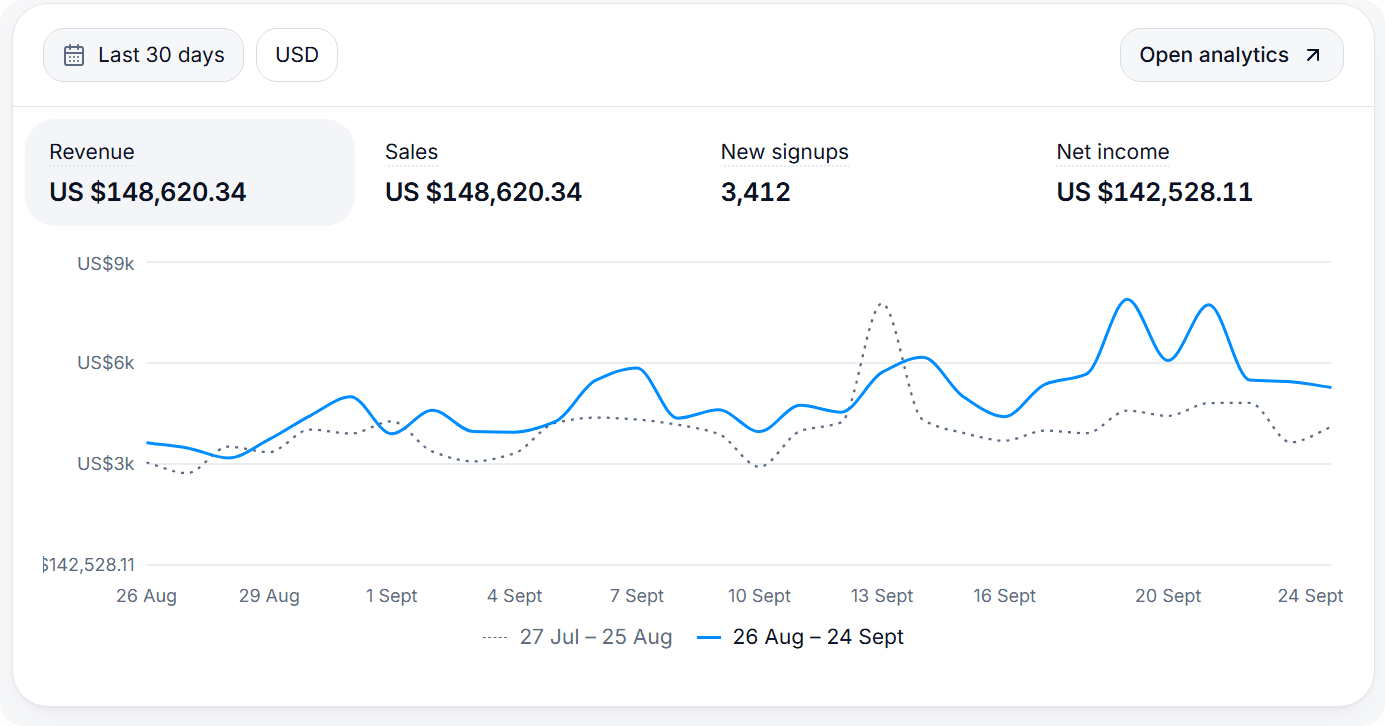
See how often your page is opened, which links people tap and your tap rate, day by day for 7, 30 or 90 days.
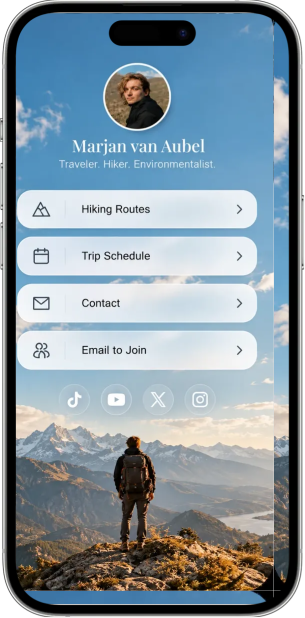
Engage your audience with a link in bio built to convert.
Bring your links, videos, music, podcast episodes and social profiles together on one mobile-first page, and point every visitor to your website, courses, store and events. Everything you are and offer, behind one simple link.
Measured link by link
See views, taps and tap rate for your page, and how many taps every link gets.
Everything in one place
Every link, video and profile on one page that fits a phone and uses the wide screen on a computer.
Links to what you sell
Send visitors straight to your Vonza store, courses, booking page and offers, all in the same account.
Everything you can put on your link in bio
Links are only the start. Every row on your page can be a link, a picture, a few words, a section title, or a video or song that plays right on the page.
Video and music that play on the page
Paste a YouTube, Vimeo, Spotify, SoundCloud, TikTok or Apple Music link and it plays right on your page. Spotify tracks, albums, playlists, podcast episodes and shows all work.
Pictures, text and section titles
Add a photo, with a link if you like, up to 500 characters of text for a welcome, an offer or a story, and section titles that group the rows under them.
Picture cards and cards with text
Turn any link into a wide picture card, or a card with a picture, a short description and button words of your own.
Up to 12 social icons
Pick from 18 networks, including Instagram, TikTok, YouTube, X, Facebook, LinkedIn, WhatsApp, Spotify, email and phone.
Highlight, pulse or wiggle
Highlight the one link that matters most, or make a link pulse or wiggle so it catches the eye.
Scheduled links
Show a link only between two dates, for a launch, a sale or an event. The editor marks it Scheduled, then Ended.
Hide and reorder
Drag rows into the order you want, and hide a link from the page without deleting it.
Share link, QR code and embed
Copy your link, download a QR code as a PNG or a print-ready SVG, or paste the embed code to show your page on any website.
Link preview
Set the title, description and picture people see when your link is shared in a message, a post or a search.
Up to 10 pages
Make a page for every brand, launch or campaign, each with its own address and analytics, and up to 50 rows on each.
How does a Vonza link in bio help your business?
Organize your digital business in one simple place.
Give every product and service its place on one page, and publish it at your own short address, yourname.vonza.com.
- One link for every offer
- Works on every platform
- yourname.vonza.com
What is Vonza Link-in-Bio?
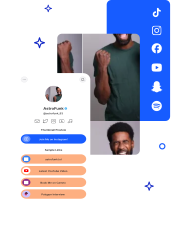
One shareable link that brings all your content together.
Share it across social media, email signatures and websites to send your audience to what matters most.
- Mobile-friendly by default
- Easy to follow
- Analytics built in


How Link-in-Bio Helps Grow Your Business
Bring all your important links together in one place with Vonza Link-in-Bio. Share your website, social profiles, products, courses and content through a single link. Keep one look across your page, make it easier for your audience to find what you offer, and turn more visitors into engaged followers and customers.
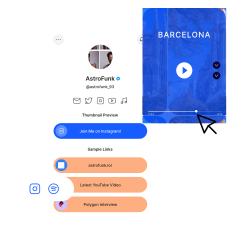
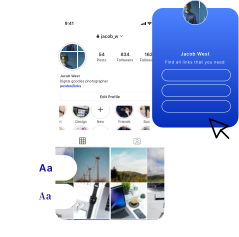
Use Pre-Built Link in Bio Templates
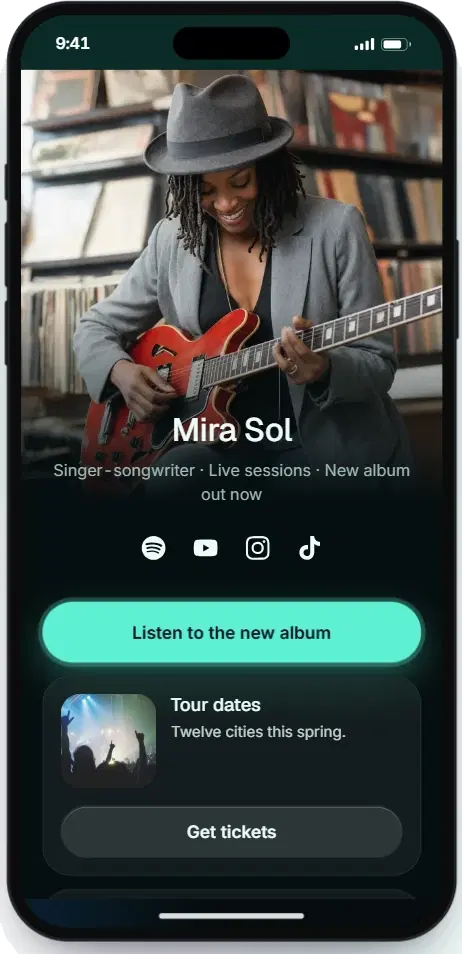
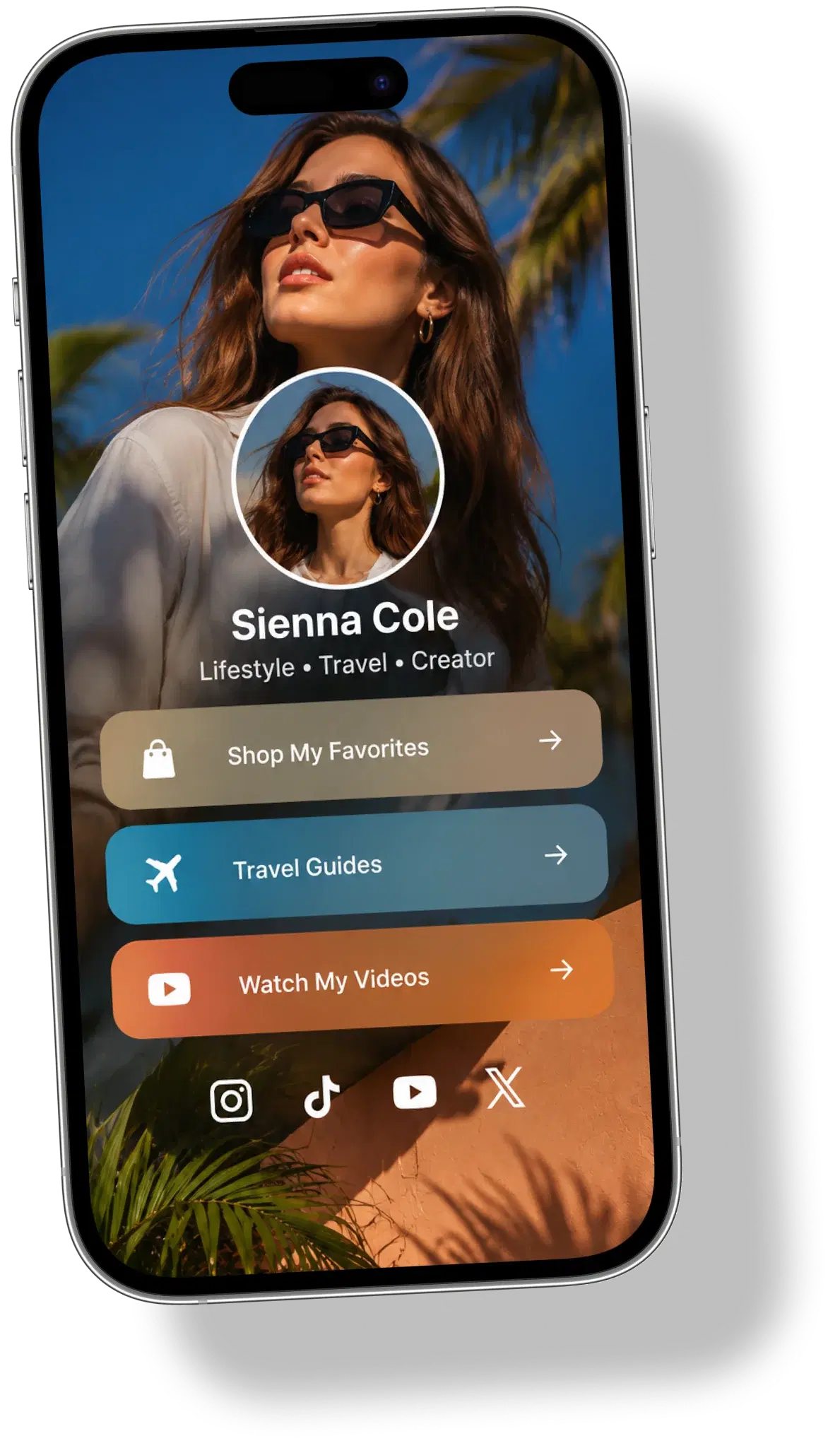
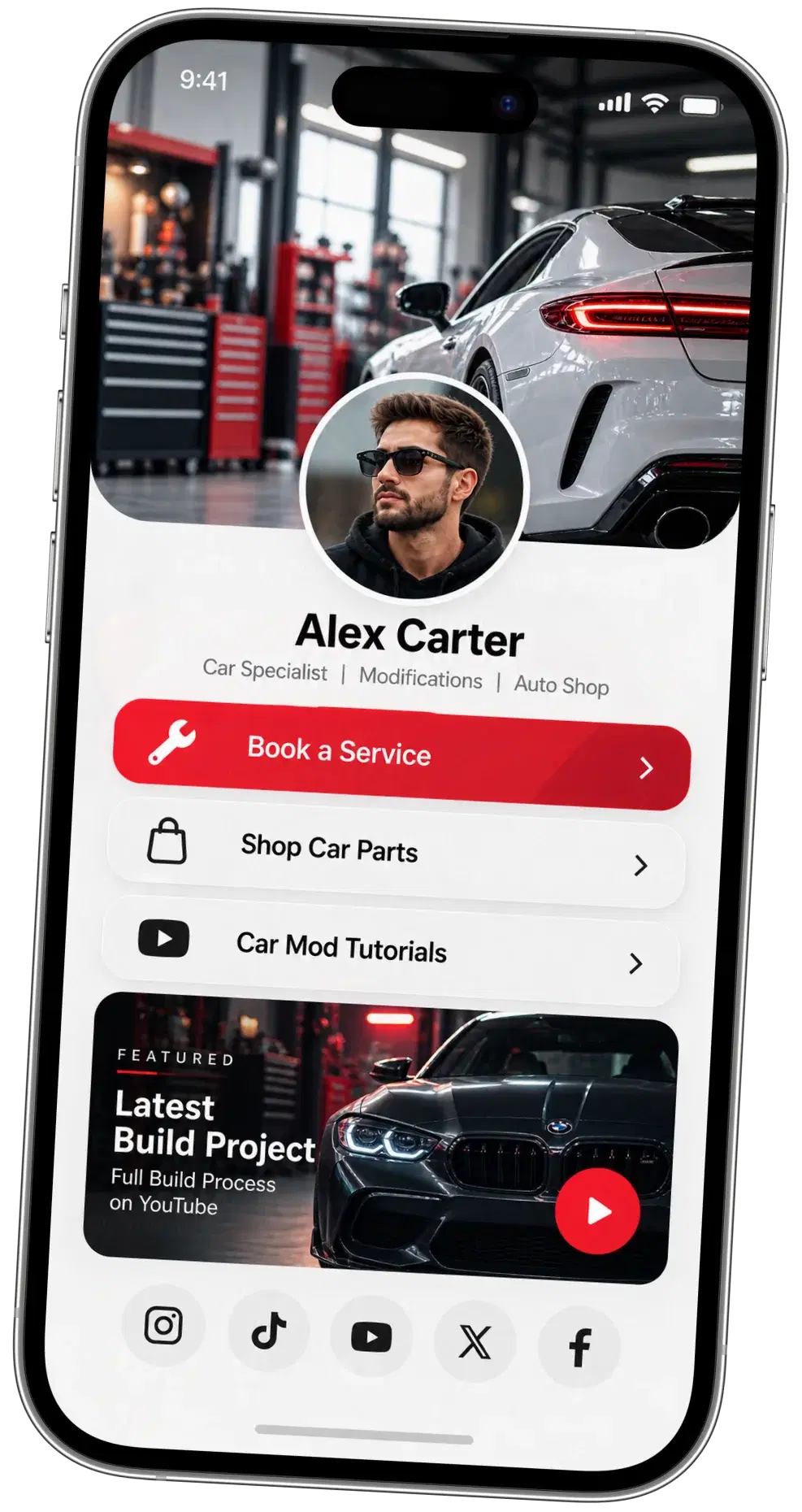
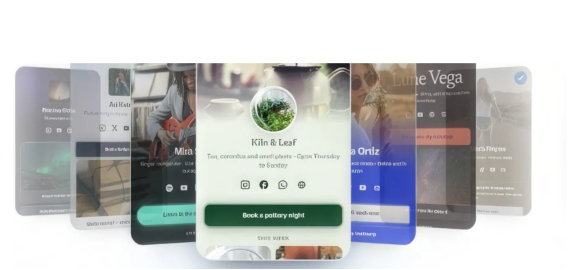
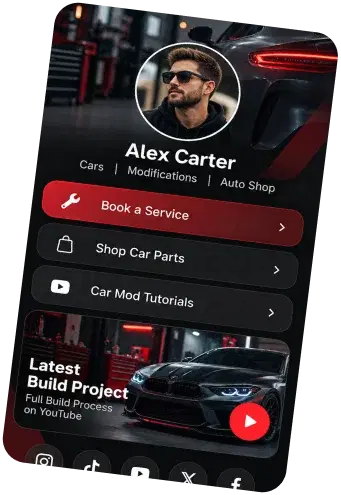
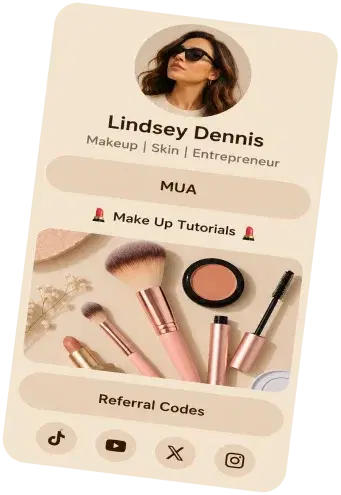
Start from one of 15 templates: Frost, Abyss, Matcha, Cobalt, Infrared, Umber, Hearth, Graphite, Mocha, Clay, Tide, Haze, Sunset, Noir and Aurora. Each sets the colours, font, buttons and header, and everything stays editable: change the background, pick one of 7 fonts, one of 3 header layouts and a text size, or tap Surprise me.
See all 15 link in bio templates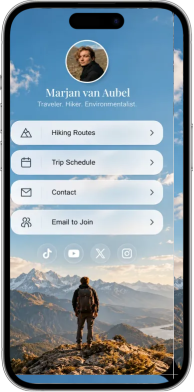


How to create your Vonza link in bio
From sign-up to a live, shareable page in minutes.
Create your account
Sign up with your email, set a password and verify your address. Every plan starts with a 14-day free trial.
Start a new page
Open Link in bio from your dashboard and choose New page. Build it all on one page, or switch to Steps.
Make it yours
Choose a template, add your links and social icons, your photo, name and address, then pick a colour, font and layout, or tap Surprise me.
Launch and share
Press Launch my page, then copy your link, download the QR code or embed the page on your website.


Why is your link in bio important?
Your link in bio is more than a single link: it is the front door to everything you do. With Vonza you point it at your products, courses, bookings and content, schedule links for your next launch and highlight the one that matters most. Changes save as you type, so every place you shared the link stays current.
Manage Everything
Up to 10 pages, each with its own address and analytics
Link in bio questions
Get answers to common questions here
A link in bio is the single link you put in a social profile, such as Instagram, TikTok or YouTube, that opens a small page with all your other links. Followers tap it once and choose where to go: your latest video, your shop, your courses or a booking page. A Vonza link in bio is that page, at yourname.vonza.com.
Link in bio is included in Vonza: there is no separate subscription for it, and every account gets the same limits of 10 pages and 50 rows a page. You need a Vonza account to build and publish, and every Vonza plan starts with a 14-day free trial.
Linktree is a link in bio tool that can also sell on the page; on its Free and Starter plans that is limited to free products (Linktree pricing page, read 7 November 2026). The Vonza link in bio page does not sell by itself: it links to your Vonza store, courses, checkout, community and booking page, which live in the same account, and it reports views, taps and taps per link.
Vonza vs LinktreeLinktree alternativesBest link in bio tools
Yes, as links. Add a link for your Vonza store, a course, a checkout, your community or your booking page, turn it into a picture card or a card with text if you like, and visitors tap through to it. The page’s analytics show how many taps each link gets.
Yes. Add a Video or music row and paste a YouTube, Vimeo, Spotify, SoundCloud, TikTok or Apple Music link: it plays right on your page, and visitors download nothing until they tap play. Spotify tracks, albums, playlists, artists, podcast episodes and shows all work.
Your page lives at yourname.vonza.com, with a name of 3 to 30 lowercase letters or numbers that you choose. You can change it later with Change link; the old address stops working at once, and you can change it again after 7 days. A custom domain cannot be connected to a link in bio page: the page always uses its vonza.com address.
Up to 10 link in bio pages per account, each with its own address and analytics, for different brands, launches or campaigns. Each page holds up to 50 rows (links, pictures, text, section titles and videos or music) and up to 12 social icons from 18 networks.
Views (times the page was opened), taps (links and icons pressed) and tap rate (taps for every 100 views), day by day for the last 7, 30 or 90 days, plus the taps each link got, most tapped first. Views are counted every time the page opens, not as unique visitors.
Yes. Share and QR code copies your link, downloads a QR code as a PNG or a print-ready SVG, and gives you an embed code to show your page on any website. The QR code always opens the same page, even after you change its links.
On Instagram, TikTok, Facebook, YouTube, X and any other social profile, in your email signature, on printed material through the QR code, and on your own website. It is one link, so you update the page and every place you shared it stays current.
This Is Where Your Business Finally Comes Together
One login. One system. One clear path to building digital income — without the overwhelm.