
To improve the online learning experience, make lessons short and focused, show students their progress, give them practice with fast feedback, explain why anything is locked, and give them people to learn with. Students drop out of online courses when they feel lost, bored or alone, so every improvement below tackles one of those three problems. The ideas apply whether you sell one course or run a whole online school.
1. Start with a clear outline
Students should see the whole course before they start: the modules, the lessons in each, and roughly how long it takes. A visible outline answers "where am I?" and "how much is left?" without a support email.
Group lessons into modules of three to eight lessons, each with a plain title that says what the student will be able to do. "Set up your first funnel" is more useful than "Module 3".
Add a short welcome lesson at the very start. Explain how the course is organised, how long each module takes, where to ask questions and what students will have at the end. Two minutes of orientation saves a lot of confusion later, and it sets expectations for how much work the course asks of them each week.
2. Keep each lesson to one idea
Long videos are where attention goes to die. Teach one idea per lesson, then stop. A few minutes of video followed by a short task works better than an hour-long recording, and it gives students more small wins along the way.
Mix formats. A lesson can be a video, a short text, a downloadable worksheet, an embedded tool or an image with notes. On Vonza, lessons are built from blocks: video, file, text, embed, live stream, stock image, quiz and assignment, so you can mix them in one lesson.
3. Let students pick up where they left off
Most online students learn in short gaps between other things. If they have to hunt for the lesson and the minute they stopped, many will not bother. A course player that resumes at the exact second, with the outline beside it and clear Previous and Next buttons, removes that friction.
Vonza's student portal shows a "pick up where you left off" card on the home screen, and the player reopens the lesson at the second the student left.
4. Make progress visible
Progress is motivating. A progress bar per course, a count of lessons done this week and a streak for consecutive days of study all give students a reason to come back tomorrow. Celebrate milestones: the end of a module, a passed quiz, a finished course.
In the Vonza portal each course shows a progress ring, and the home screen shows a day streak and the lessons completed this week.
5. Pace the course, and explain the pace
Releasing everything on day one overwhelms some students and lets others binge and forget. Drip content releases lessons on a schedule so the whole group moves at a sensible pace. The catch is that a locked lesson with no explanation feels like a bug.
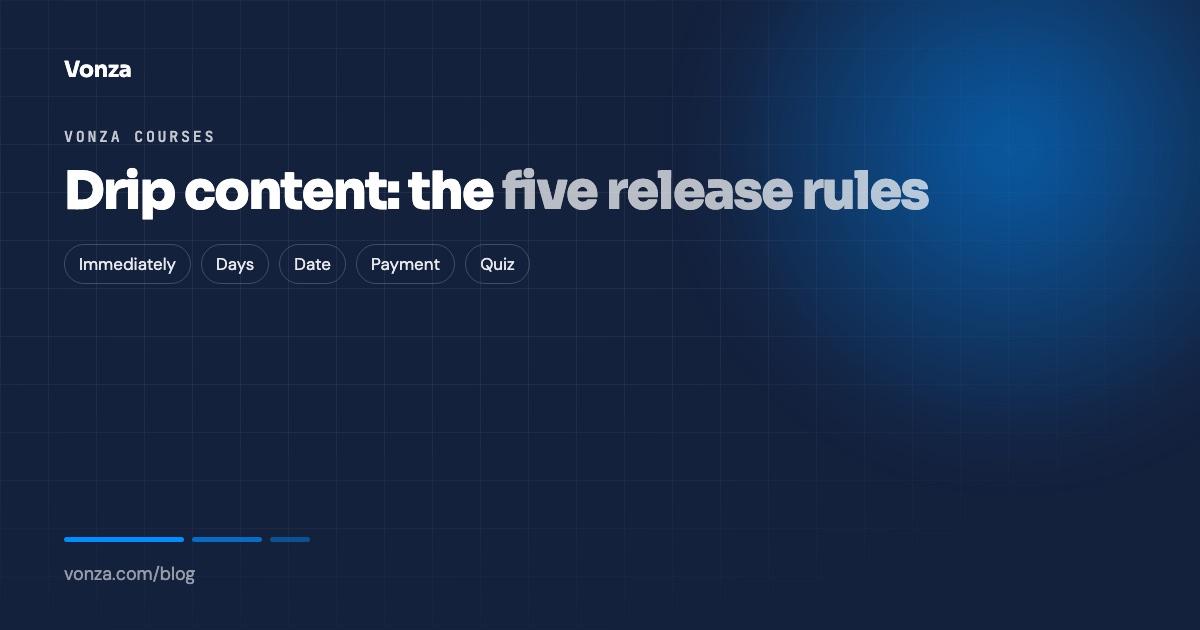
Tell students why a lesson is locked and when it opens. Vonza's drip rules release a section immediately, a number of days after enrolment, on a date, after a payment or after a quiz is passed, and the portal tells students in plain words what they are waiting for.
6. Give practice, not just content
People learn by doing. After each idea, give students something to do with it: a short quiz to check understanding, a worksheet, or an assignment that applies the lesson to their own situation.
- Quizzes check understanding quickly. Keep them short, give feedback on wrong answers and allow retakes.
- Assignments turn knowledge into skill. Ask students to hand in real work, then respond to it.
Vonza quizzes take single-choice, multiple-choice, true/false and short-answer questions, with a pass mark, an attempt limit and retakes. Assignments have instructions, files, a due date and points, and students can hand in work from a phone by taking a photo. See course quizzes and assignments for the detail.
7. Respond quickly to student work
Feedback that arrives two weeks later teaches very little. Set a rhythm you can keep, such as replying to assignments within two working days, and stick to it. A short, specific comment ("your headline is clear; the offer needs a deadline") beats a long general one.
Having all submissions in one place helps. On Vonza every assignment hand-in lands in one Submissions inbox across your courses, with a grading sheet, so nothing sits unread in an email thread.
8. Build a community around the course
Online learning is lonely by default. A place where students can ask questions, share work and see others making progress keeps many of them going when motivation dips.
Start small: a welcome thread where everyone introduces themselves, a weekly question, and a space to share wins. Answer early posts yourself so the space feels alive. If you run a Vonza community, members open it from the same portal and login as their courses, with a feed, events, a member directory and one-to-one chat. Our guide to engaging students in online learning has more ideas for keeping a group active.
9. Add live sessions and keep the recordings
A regular live session, such as weekly office hours or a monthly workshop, gives students a reason to keep up and a place to ask questions they would never type. Record it so students in other time zones can catch up.
On Vonza you can add a live stream block to any lesson; students join from the lesson itself, and the recording can stay in the lesson as its video. The live streaming page covers the details.
10. Ask students what is not working
You will not see every problem from the inside. Ask students directly: a short survey at the end of each module, and a longer one at the end of the course. Ask what was confusing, what was most useful, and what they would cut. A rating question and one open question are often enough.
Then act on it. If several students say a lesson is confusing, rewrite or re-record it. A survey built with Vonza Forms can use rating, linear scale and matrix questions, and the course evaluation template is a fast place to start.
Bonus: make finishing worth it
A course that ends with nothing tends to be abandoned in the last module. Give students a reason to finish: a final project, a certificate of completion, or an invitation to the next level. Vonza issues certificates automatically when a student completes the course or finishes paying, with your design, signatures and a serial number.
Putting it together
The best online learning experiences are not the ones with the most content. They are the ones where students always know what to do next, can see they are getting somewhere, get feedback on their work and feel part of a group. Pick the two improvements your course most needs, make them this month, and ask your students whether it helped.
If you are building or moving a course, Vonza's online course platform brings the course, the portal, quizzes, assignments, certificates, community and live sessions together in one account. Included in every Vonza plan, 14-day free trial.