
A meeting scheduler finds a time that works for everyone, so you stop calling or emailing each person to ask when they are free.
With a good meeting scheduler you either read everyone’s availability or let them vote on a few times, then book the time that suits the most people.

Continue reading to discover five meeting schedulers that work for groups…
1. Vonza Scheduling
Vonza Scheduling is the meeting scheduler inside the Vonza all-in-one platform, so the same account runs your online courses, community, email and checkout. It schedules a group three ways:
- Meeting polls: offer up to 20 times, let people vote from their own links, set a close date, then book the winning time for everyone who picked it. Polls book free lengths only.
- Collective meetings: when the attendees are your own hosts, the booking page shows only the times when every host is free, and one booking puts all of them in the room.
- Group sessions: one time, many bookers, with a seat count and "spots left" on the page, for classes and workshops.
Every attendee gets a confirmation with add-to-calendar links and an .ics file, and can reschedule or cancel from that email within the deadline you set. Hosts connect their own Google, Microsoft or iCloud calendar so busy times are never offered.
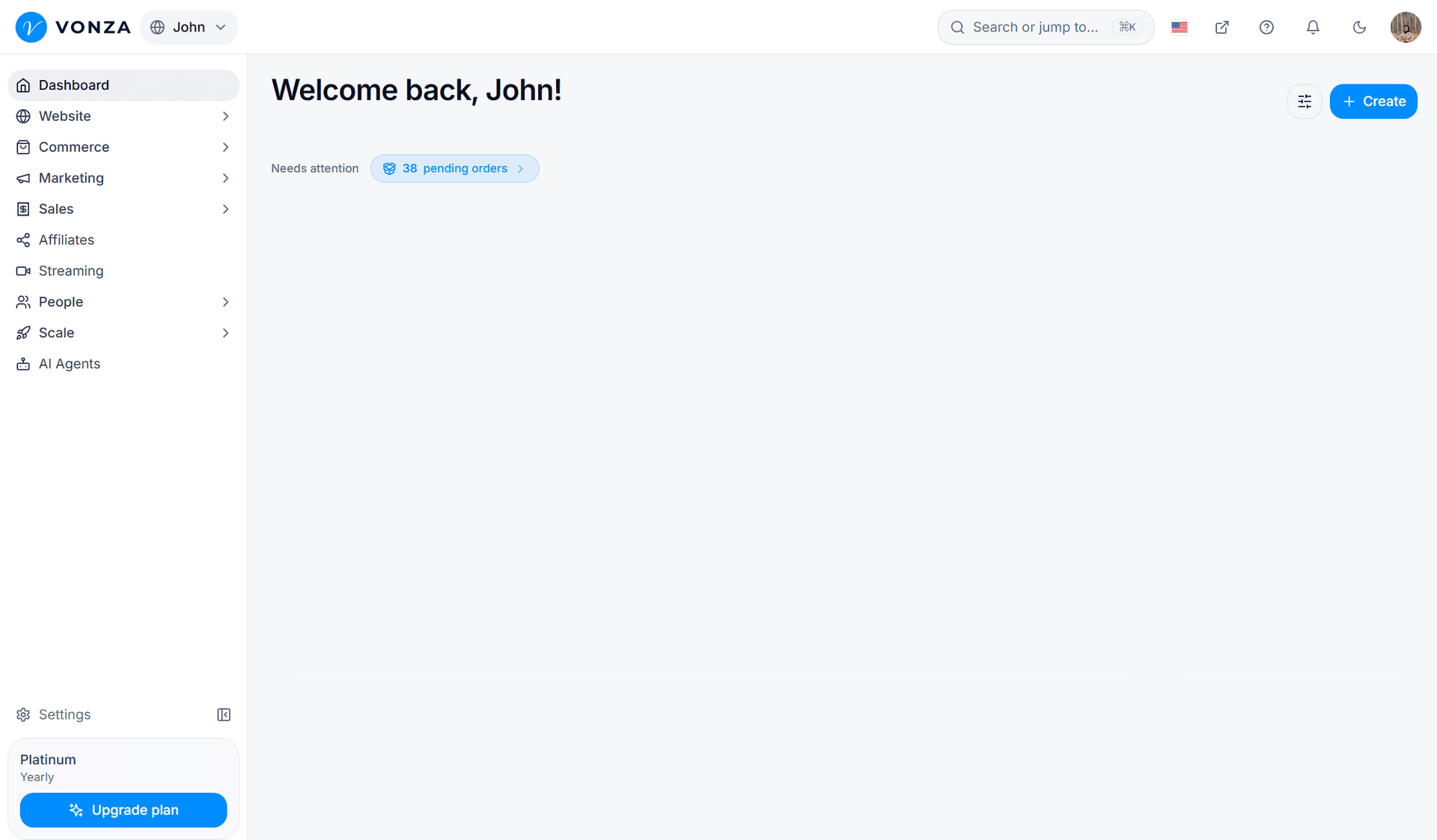
Meeting polls and collective meetings are part of the new Vonza Scheduling, which you open from the Scheduling row marked New in your admin.
2. HubSpot Meetings Tool
HubSpot meetings Tool works by connecting team members to their Google Calendars or Office 365 Calendars. It then syncs their availability, which makes it easy to select periods when all members are available for a meeting.
HubSpot Meeting Tool won’t work as expected if some of the invitees are using the third-party calendar tools, even though they are on HubSpot. A Vonza meeting poll asks each attendee directly, so it works whatever calendar they use.

3. Google Calendar
Google’s workspace calendar can be used to schedule meetings online, which work for everyone. Just like the other scheduling apps, It syncs the participants’ calendars to show their availability.
The host needs a Google Workspace account to use Google Calendar’s appointment scheduling.
4. Calendly
You can use Calendly to book meetings that are convenient to other teams who are using Calendly. It works in a similar way to the first three meeting scheduling apps, by syncing members’ calendars, and then sharing their availability.
That eliminates the need to make calls to find out when members are available for a meeting.
5. NeedToMeet
NeedToMeet works differently, in that instead of syncing calendars, it lets the host suggest availability dates. The host then sends invite links, so that invitees can view the host’s availability, and choose the dates and times that work for them.
NeedToMeet works best for participants that may not want to have their calendars synced.
Conclusion
Whether you want to hold an online meeting or teach an online class, you need a meeting scheduler. Vonza Scheduling handles one-on-one bookings, meeting polls, collective meetings and group sessions from one booking page. Scheduling is included in every Vonza plan, and every plan starts with a 14-day free trial.