
The best AI tools for digital products are the ones that remove the slow parts of making and selling them: drafting the content, designing the visuals, recording the audio or video, and writing the sales page. No single tool does all of it well. Most creators combine a general AI assistant for writing, an AI design tool for visuals, and a selling platform with AI built in that turns the result into something buyers can pay for.
This guide goes through each stage, the kind of AI tool that helps with it, and where Vonza AI fits. New to the topic? Start with what digital products are and 15 digital products you can create and sell.

Where AI helps, stage by stage
| Stage | What AI does well | What you still do |
|---|---|---|
| Idea and research | Brainstorms angles, summarises questions people ask, drafts surveys | Choose the idea and check real demand |
| Writing | Outlines, first drafts of chapters, lesson scripts, emails | Add your experience, examples and fact-checks |
| Design | Covers, illustrations, mock-ups, social graphics | Keep the look consistent with your brand |
| Audio and video | Voice-overs, transcripts, captions, cleaning up recordings | Record the parts that need your face and voice |
| Selling | Sales-page copy, product descriptions, email sequences | Set the price and the offer, and talk to buyers |
The kinds of AI tools to use
General AI writing assistants
Chat-style assistants such as ChatGPT draft ebooks, guides, course outlines, quiz questions, emails and social posts from a short prompt. They are the most flexible tool on this list. Give them your own notes, transcripts or past posts as the starting point, and treat every output as a draft.
AI design tools
Design apps with AI features, such as Canva, and image generators turn a text prompt into covers, illustrations, planner pages, mock-ups and social graphics. They are the fastest way to make printables and templates look finished. Check each tool's licence terms before you sell the images.
AI audio and video tools
AI voice tools read a script aloud, and AI video editors such as Descript transcribe a recording so you can edit it like a document, cut filler words and add captions. They help with audiobooks, podcast products and course lessons.
AI presentation and document tools
Tools that turn an outline into slides or a formatted document save hours on workbooks, slide decks and lesson handouts.
A selling platform with AI built in
The last step is where many creators lose time: building the course, the sales page and the checkout. A platform with AI built in does this part from a description, so the product is ready to sell, not just written.
Vonza AI: from a description to a product you can sell
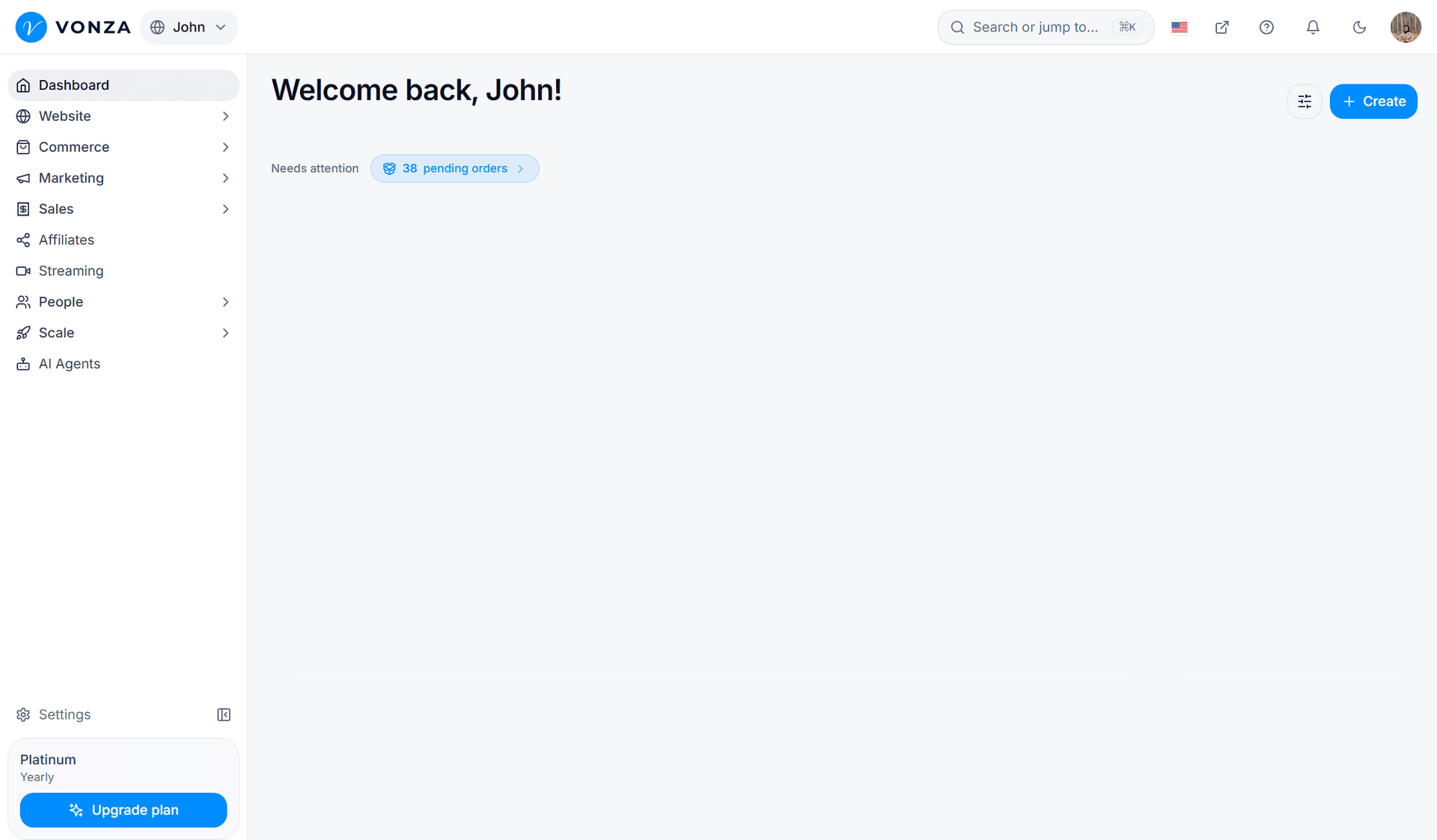
Vonza AI is the AI built into Vonza. It works where you build and sell, so what it writes becomes a course, a checkout, a community or a website rather than a document you still have to move somewhere else.

- Courses. Upload your videos and Vonza AI transcribes them, splits them into lessons at topic changes, groups them into modules, and writes a title and summary for each lesson and a quiz for each module. Or describe the course (topic, audience, level, about 5, 10 or 20 lessons) and it drafts an outline with a sales-page description. See the AI course creator.
- Checkouts. Describe what you sell and Vonza AI writes the checkout page (headline, subheadline, up to 8 bullets, button text and the thank-you note) and designs a look made for it, usually in 10 to 20 seconds. See the Vonza checkout.
- Communities. Describe your audience and pick a tone, and Vonza AI drafts the spaces, welcome posts and images. See the AI community builder.
- Websites. Pick your goals and brand tone, describe the business, and Vonza AI writes and builds a site with pages for your courses, store, scheduling and checkout. See the AI website builder.
- Store products. In Products, choose Vonza AI as the way to begin, describe the product in a few words, add a photo or let Vonza AI make one, and it writes the product page and opens it in the editor, ready for your files and a price. Creating a product this way uses AI credits. The step-by-step guide is how to create a digital product with AI.
Everything Vonza AI writes stays editable. Once the product is live, you can sell it with one-time, recurring, instalment or pay-what-you-want prices, add up to 5 order bumps at checkout, and offer one more item in one click after payment.

How to use AI without hurting the product
- Start from your own material. Feed the tool your notes, recordings and examples. Generic prompts give generic products.
- Edit every draft. Check facts, cut filler and add the stories and specifics only you have.
- Keep one voice. Use the same tone instructions across tools so the ebook, the course and the sales page sound like one person.
- Check the rights. Read the terms of each tool and marketplace, and don't sell anything that copies someone else's work.
- Test with buyers. Sell a small first version, ask for feedback, and improve it.
Conclusion
AI makes it much faster to create a digital product, but the value buyers pay for is still your knowledge and your judgement. Use a general assistant and a design tool to draft, then a platform with AI built in to turn the draft into a product, a page and a checkout. You can try Vonza AI with a 14-day free trial; see Vonza AI for what it does and pricing for the plans.